Every caller coached. One pool of minutes.
Buy seats for your floor, make each caller a login in two clicks, and see who used what. Callers with no email sign in with a username you give them.
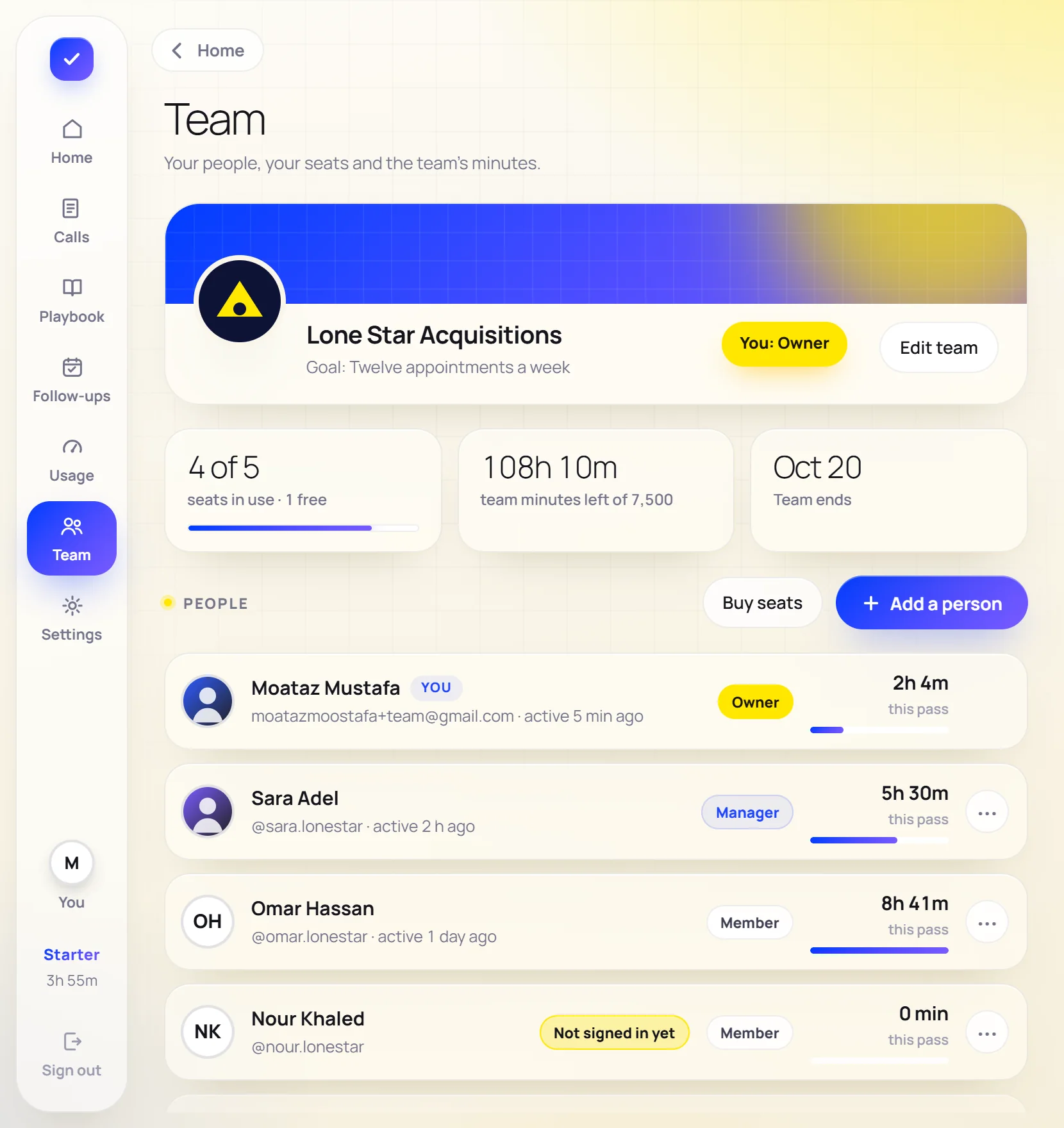
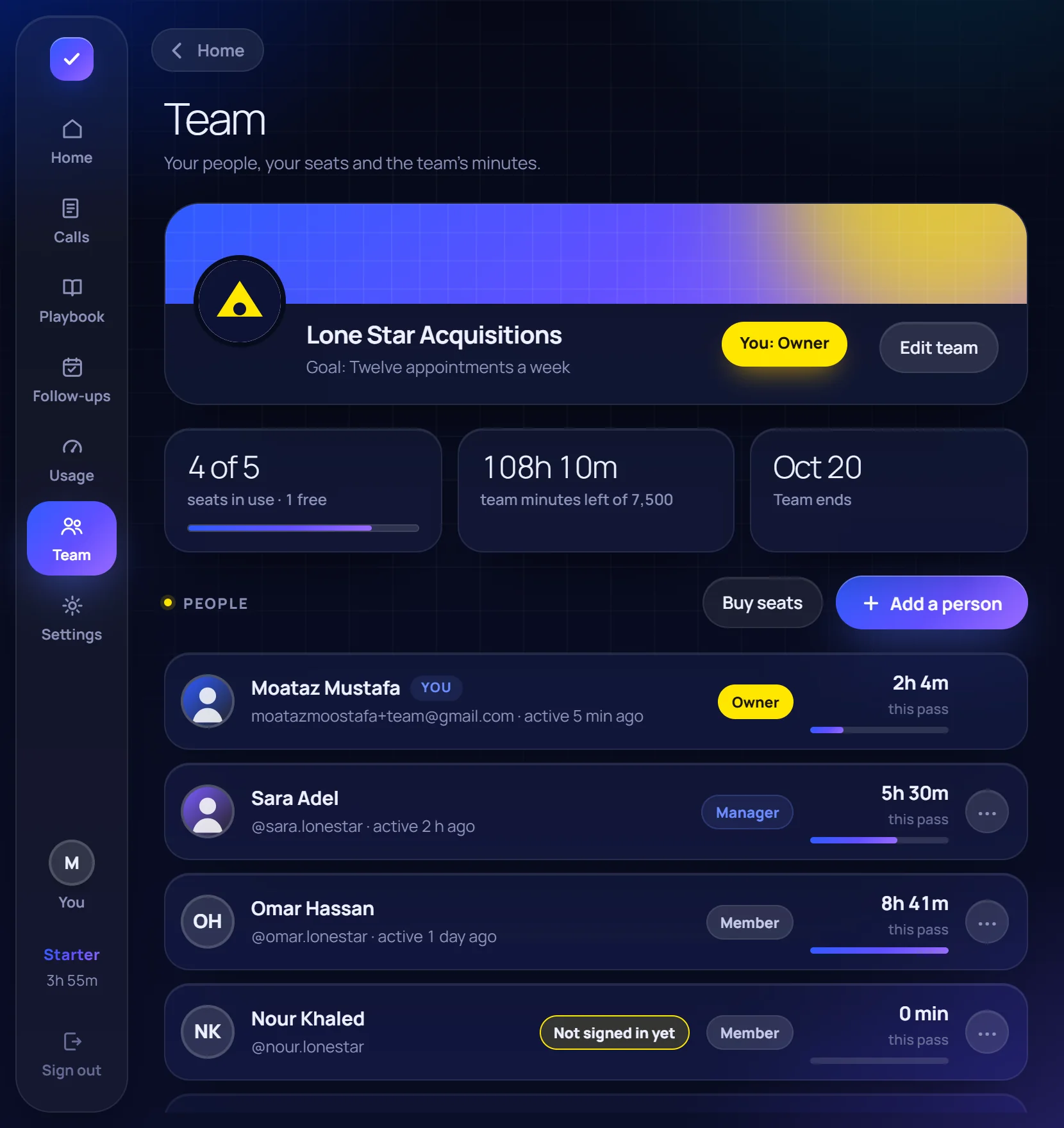
From payment to your first coached call.
Buy the seats
Sign in as Team or company, open Usage & plans → Teams & Enterprise, pick the seats and pay once. The team is made the moment it clears.
Add your people
On the Team page: their name, a username, a strong password made for you, and their email if they have one. We email them their login, or you hand it over.
They sign in and call
They choose their own password the first time. From then on every call draws from the team's pool, and you see who used what.
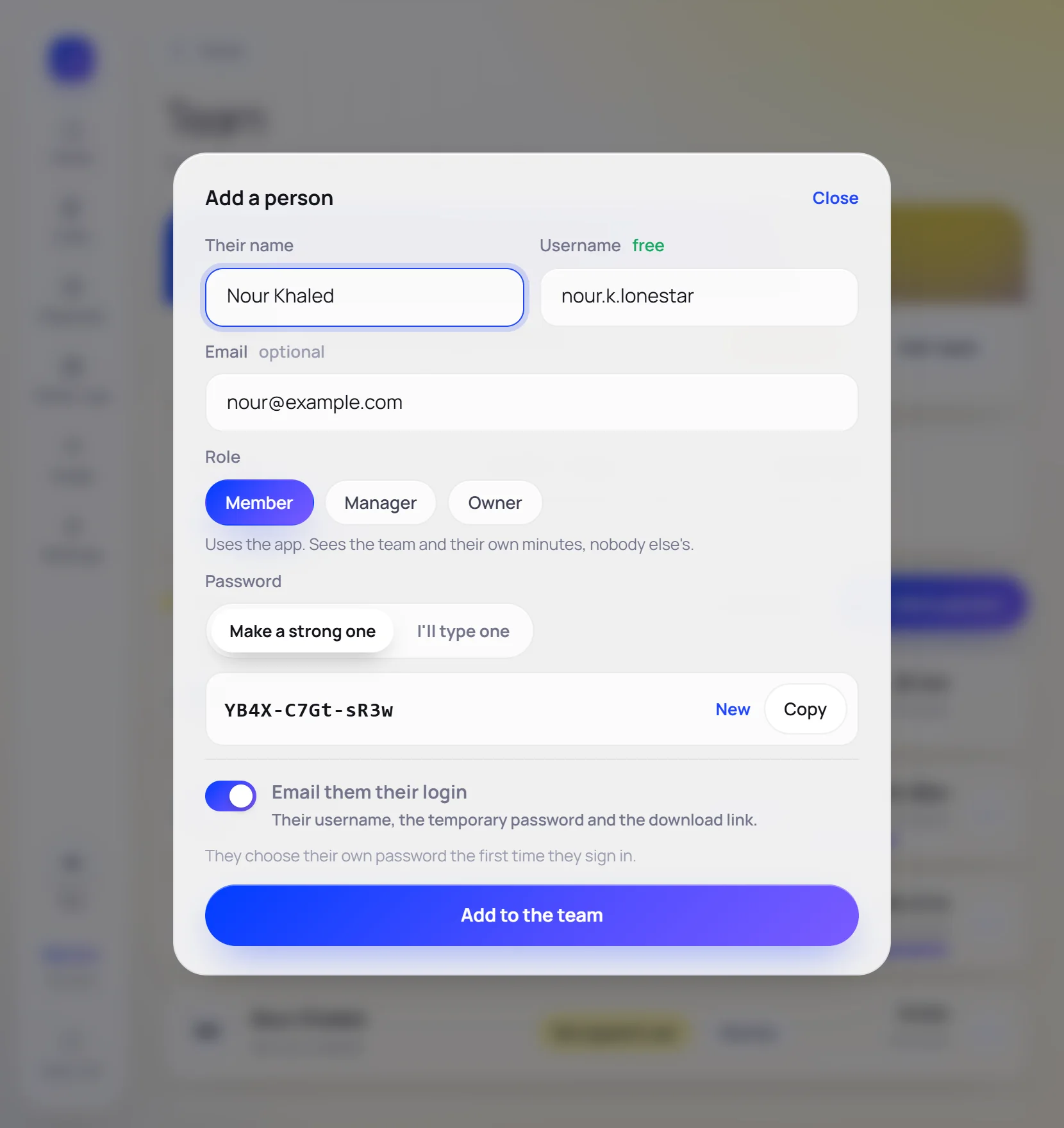
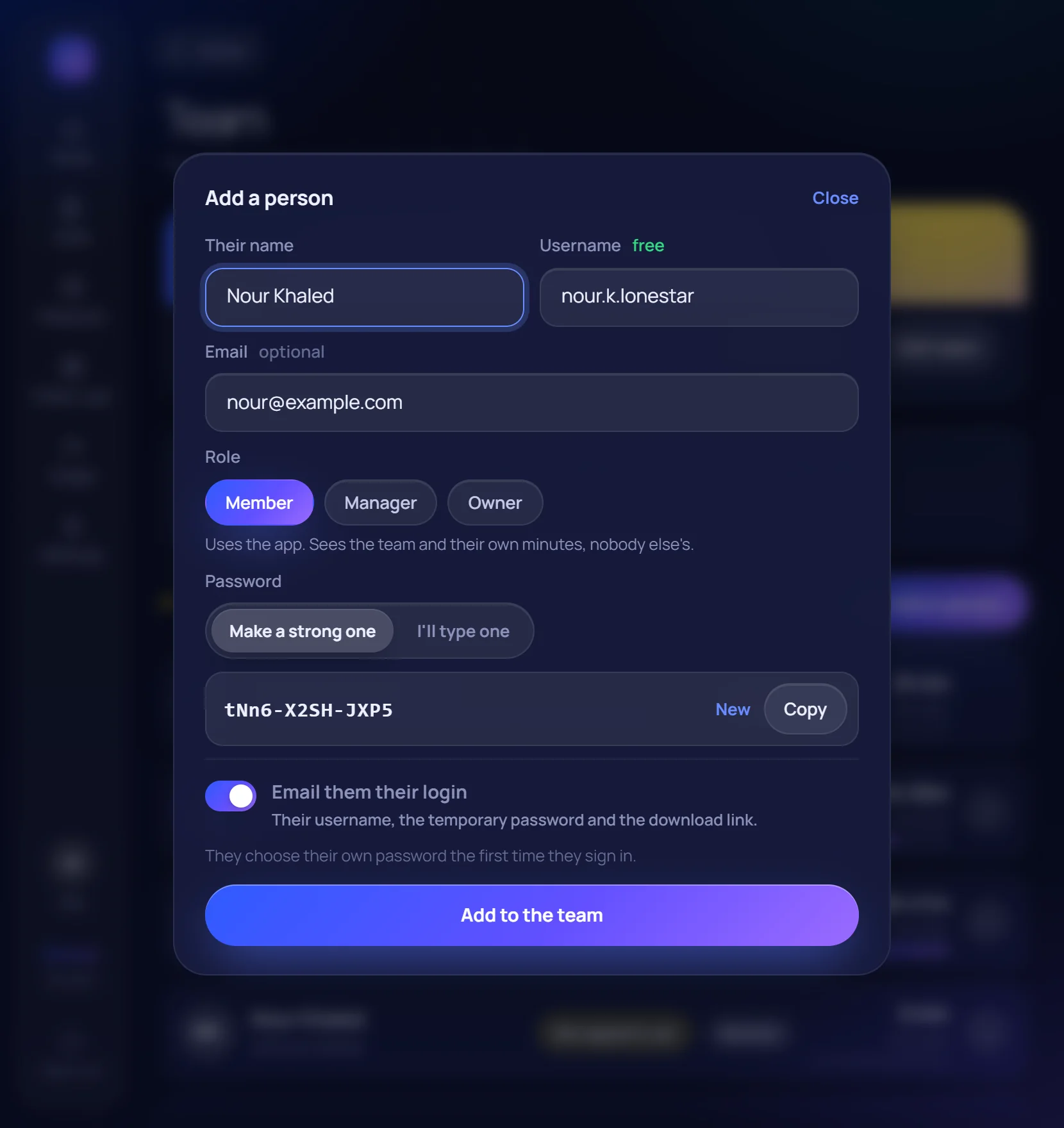
Simple roles.
- Owner: everything: people, roles, seats and buying. A team can have more than one.
- Manager: adds and runs members, and sees everybody's minutes.
- Member: uses the app; sees the team and their own minutes.
- Nobody sees anybody else's calls, transcripts or write-ups.
What your IT person will ask.
Logins you control
Pause or remove a person and their login stops at once, on every computer. A temporary password works for seven days and only to choose a new one.
A code on every new computer
Signing in on a new computer needs a six-digit code by email. A caller with no email gets theirs through their manager.
No audio kept
The call is transcribed as it happens and coached from the words. Transcripts and write-ups stay on the caller's computer and account.
Hidden from screen sharing
Nobody on the call sees the window, in a share or in a recording.
No key on the laptop
The AI runs on our server. The app carries no key that could be copied off a laptop.
The minutes are the database's
Seats, the pool and who may do what are checked on the server, not in the app.
Pay per seat, share the minutes.
A pass for 30 or 90 days, paid once. Nothing renews by itself; the owner is reminded three days before it ends.
Team
for 30 days
for 90 days
1,500 minutes a seat every 30 days, in one pool the whole team shares. About 2.3¢ a minute. From 3 seats.
- Everybody signs in with their own login
- You make the logins: username and password
- One pool of minutes, and who used what
- Add seats mid-pass; pay only for the days left
- Pay once for the whole team; one EasyKash fee
Sign in as Team or company, then Usage & plans → Teams & Enterprise.
Enterprise
from $32 a seat
Twenty callers or more, invoices, and your own scripts built with us.
- Everything in Team
- Invoice or bank transfer
- A setup call for the whole floor
- Your own scripts and templates, built with us
Twenty callers or more? Talk to us.
Invoices or bank transfer, a setup call for the whole floor, and your own scripts and templates built with us. We write back within one working day.