The next line, while you are still on the call.
Axelerate Ear listens to your sales call and shows you what to say, about two seconds after the other person stops talking. It works with Dialpad, Zoom and Meet without touching any of them.
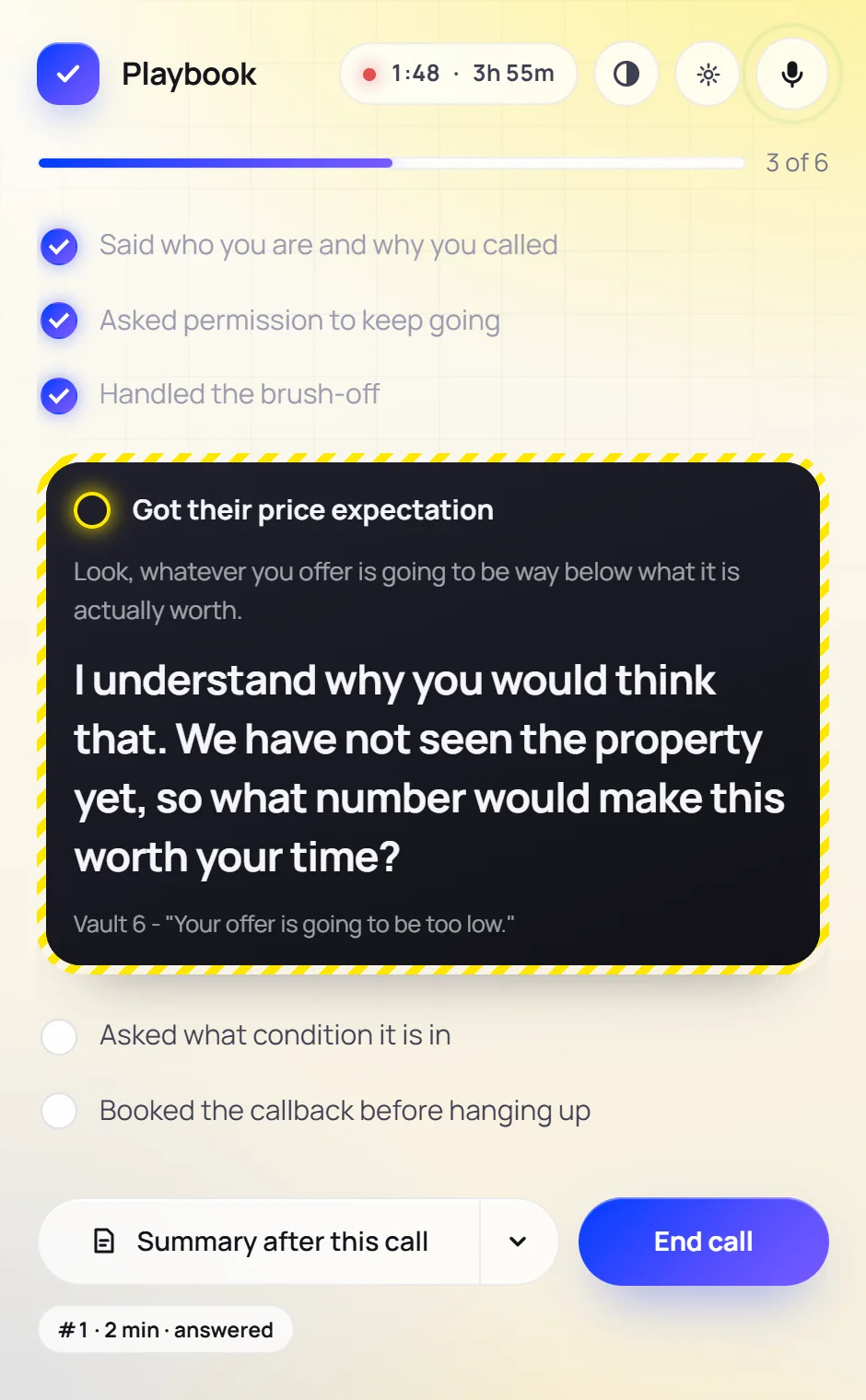
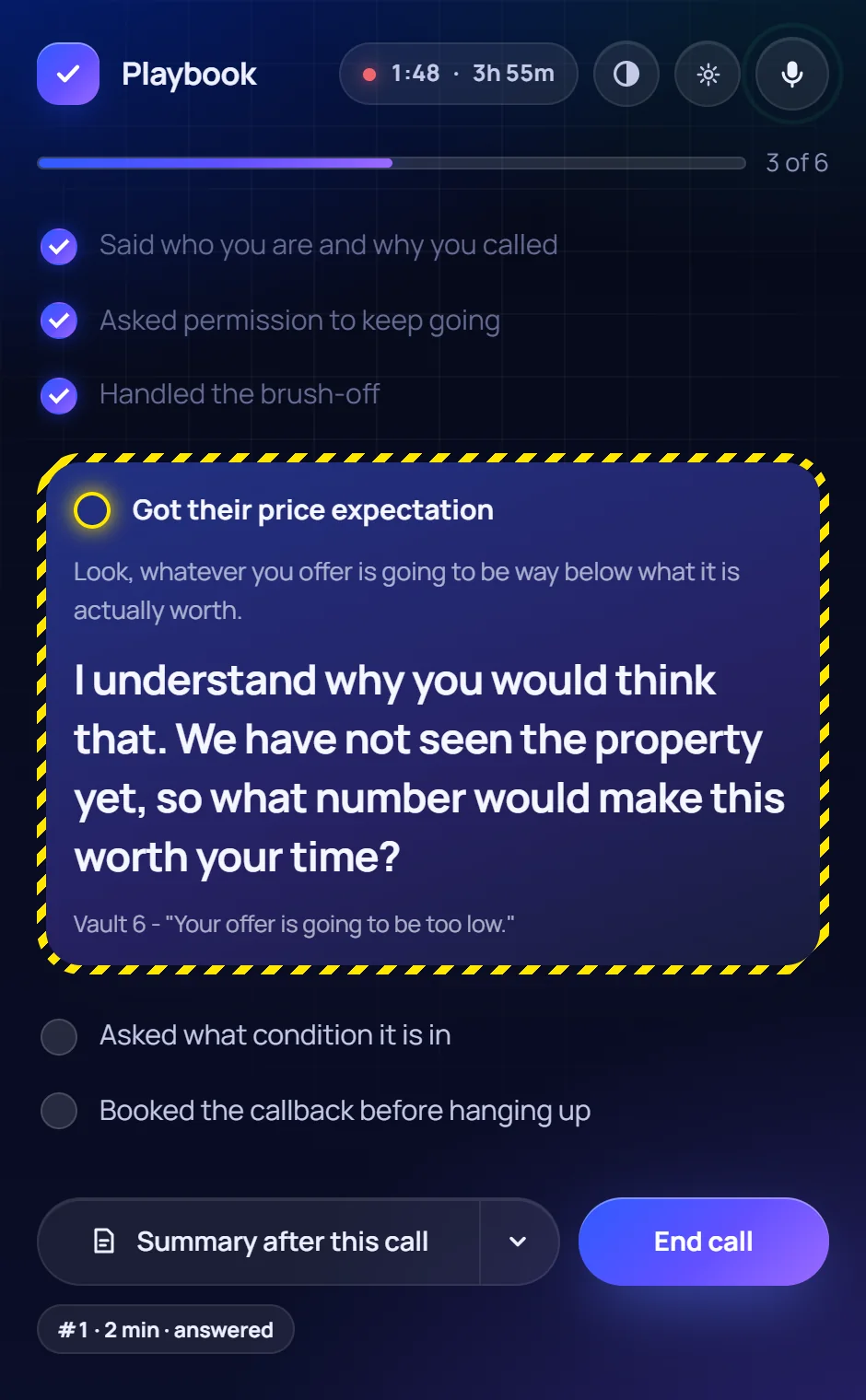
One window for the whole call.
Start it once at the beginning of a dialing session. It splits the calls itself and never needs a restart between leads.
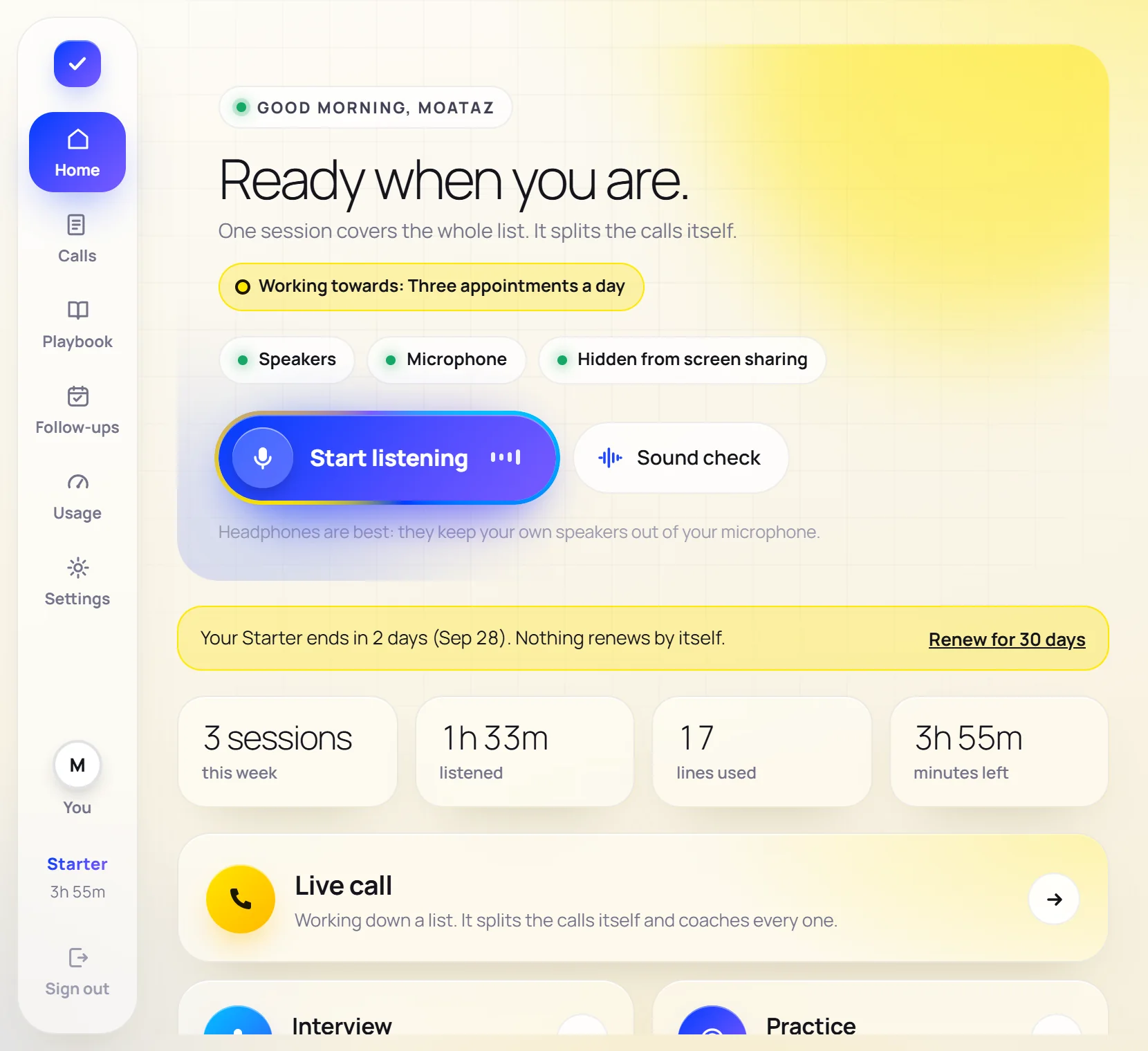
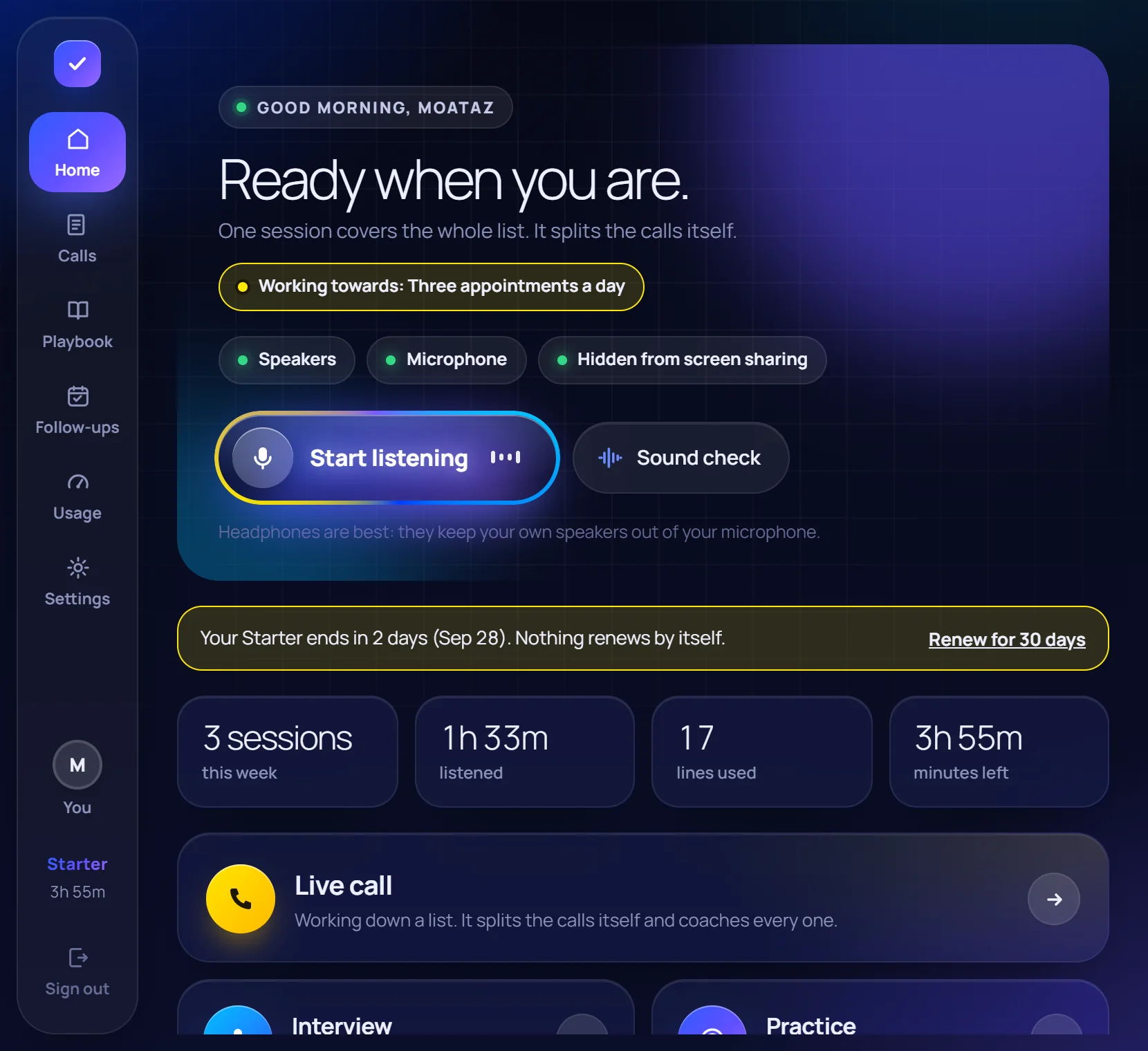
Before: pick what kind of call it is and press Start.
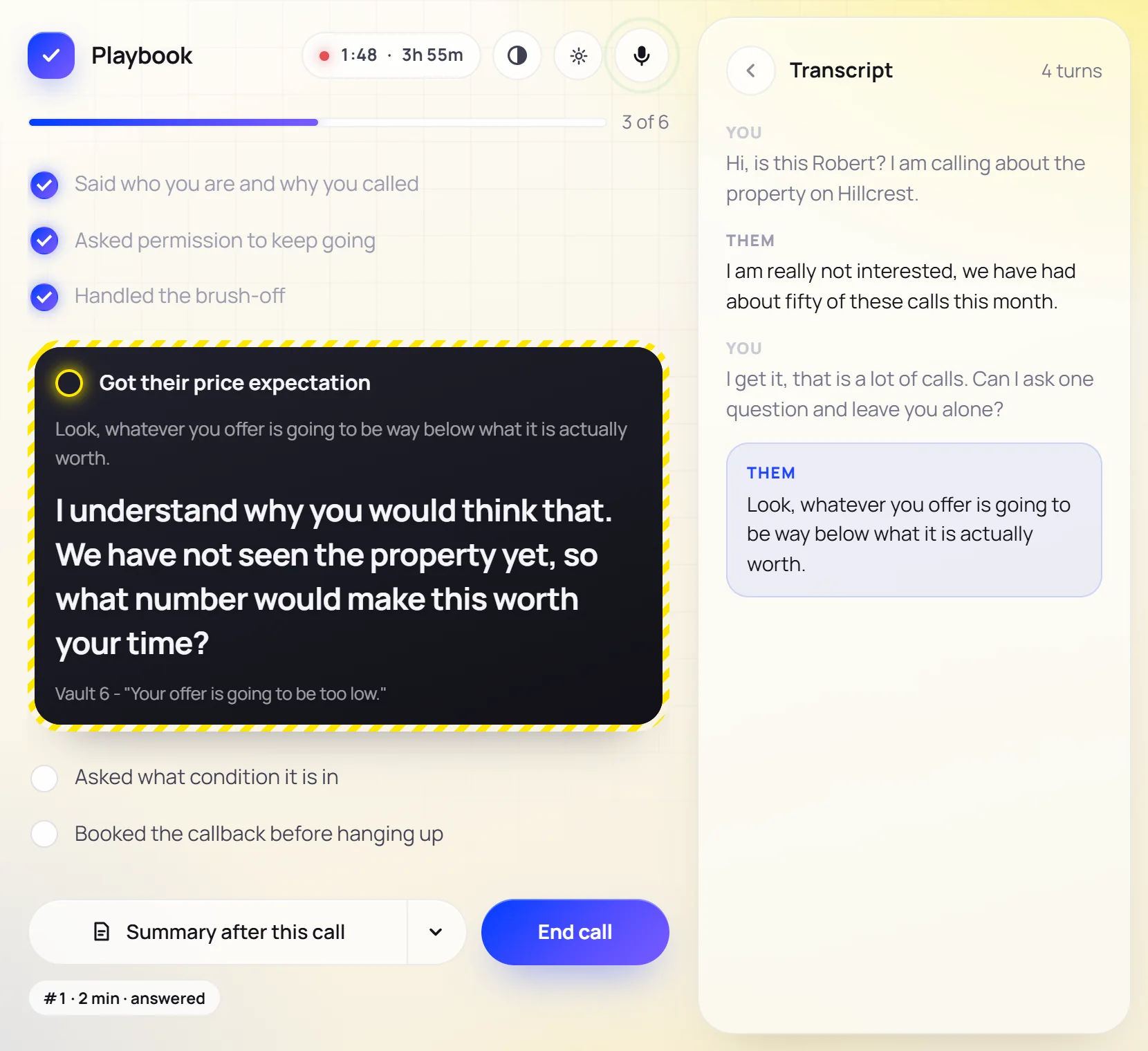
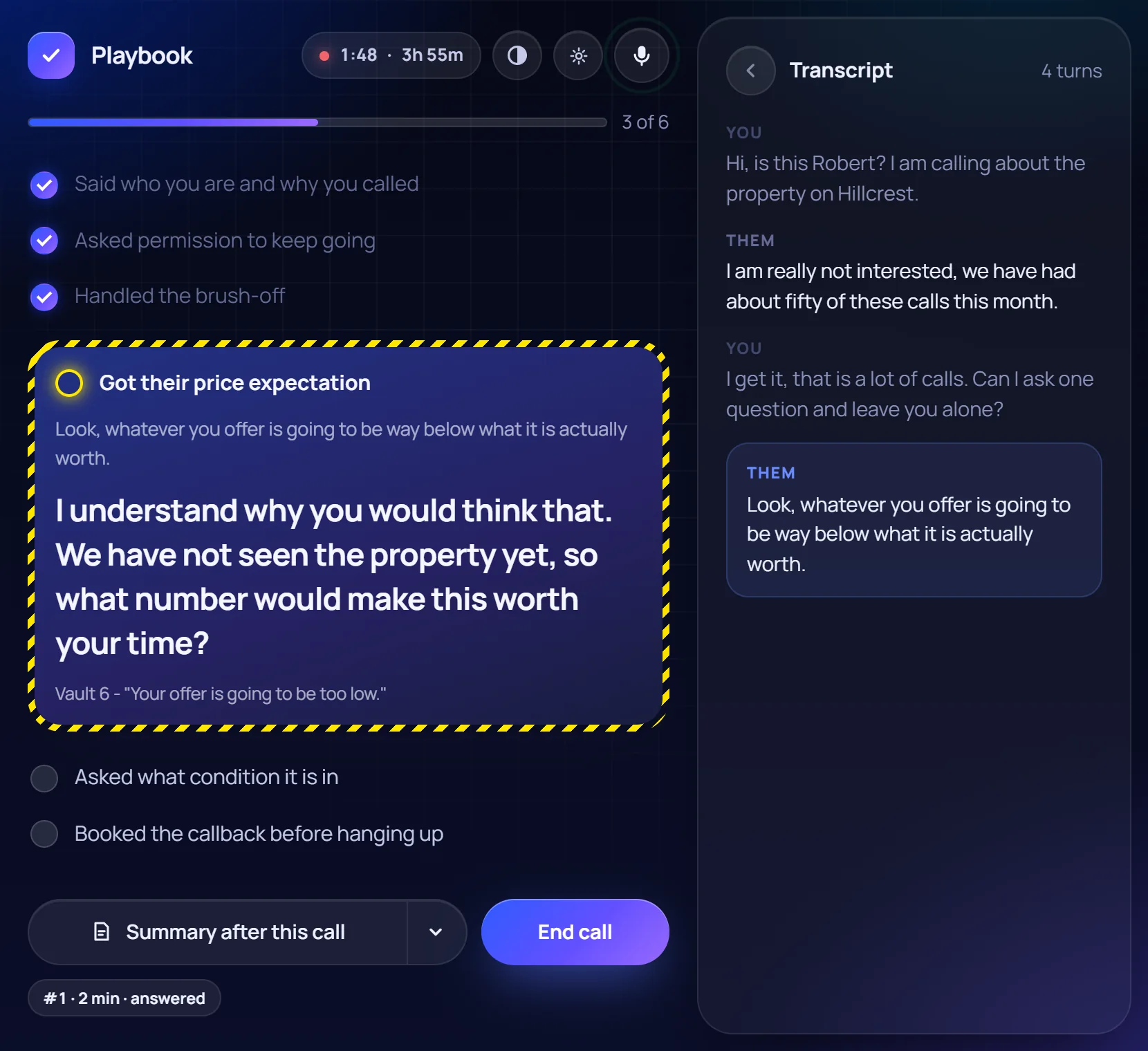
During: the line to say, inside the step of the call it belongs to.
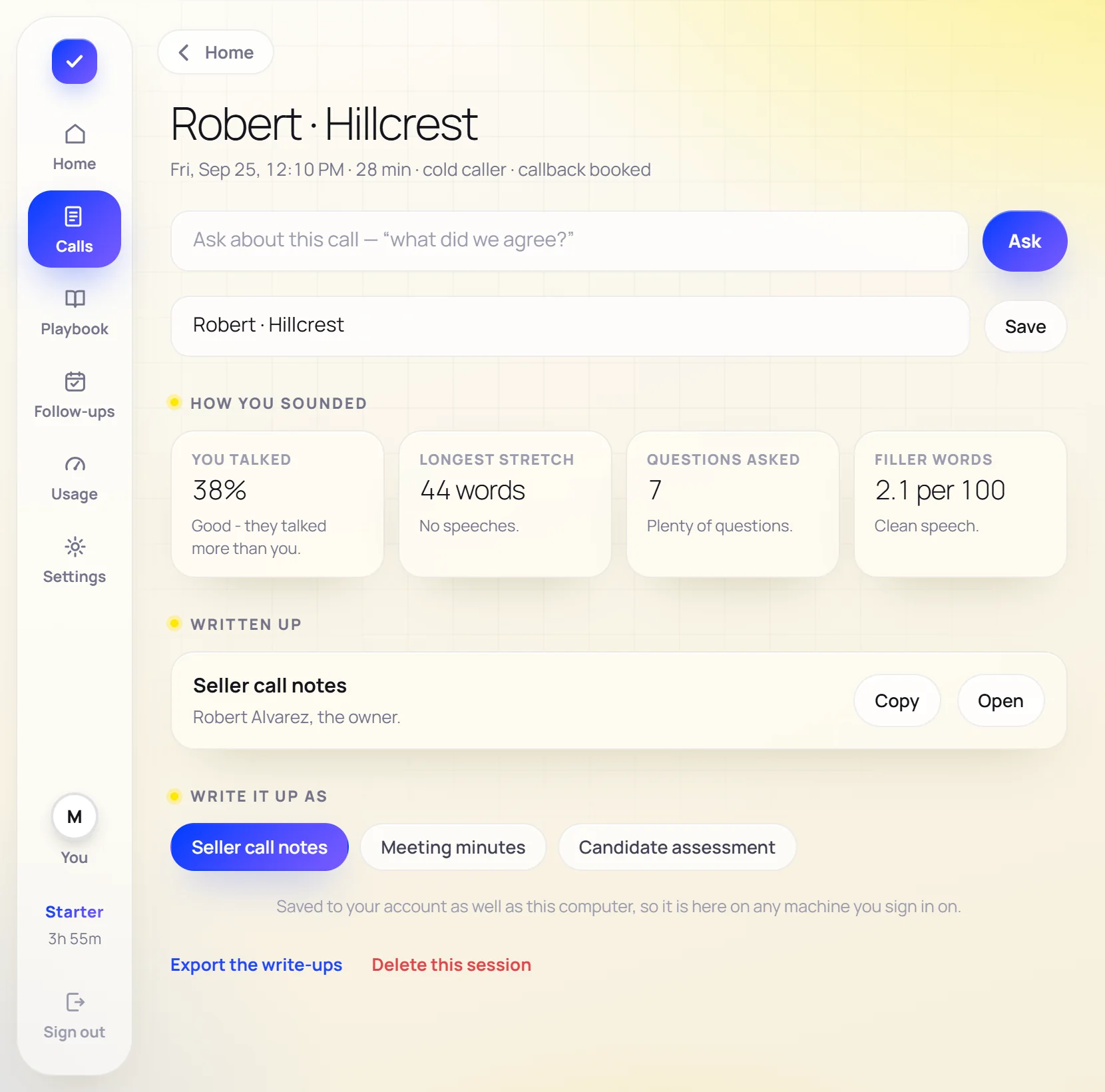
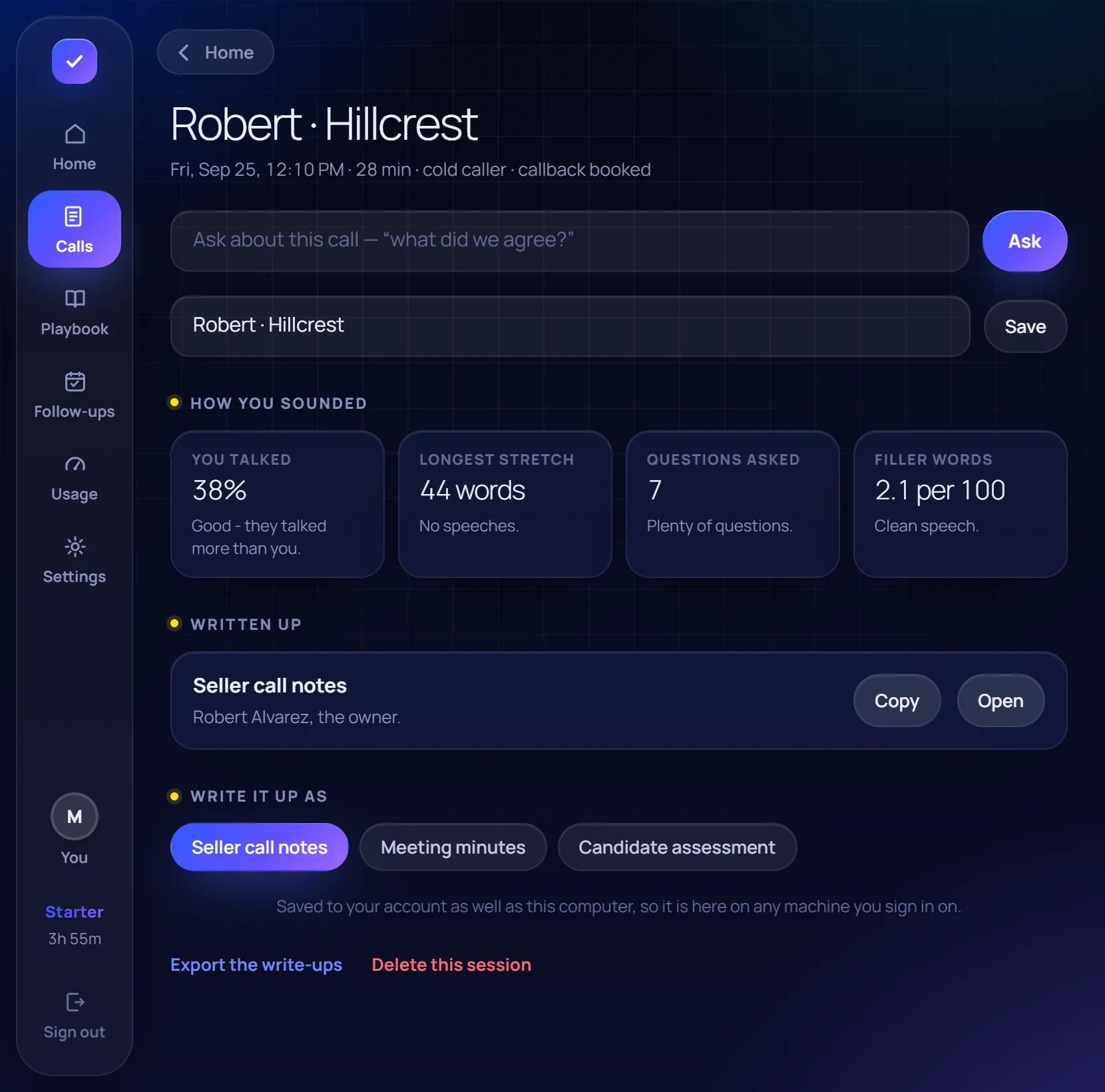
After: the write-up, what you agreed, and how you sounded.
Made for the people on the phones.
Invisible on a screen share
The window is left out of screen capture, so a shared screen, a Zoom recording and a screenshot all show the call without it.
Mute and see-through
Mute stops it listening and counting. See-through fades the window so you can look at the camera and still read the line.
Your script, if you have one
Paste it and slide from loose to word for word. The stop rules still win: a removal request ends the call whatever the script says.
Write-ups on your template
Seller notes, meeting minutes, interview notes, or your own headings. Named after the conversation, kept on your account.
Ask about any call
"What did I agree with Robert, and what is his number?" Answered from your own transcripts and write-ups, quoted.
Built for a calling floor
Owners and managers make the logins, see who used what, and buy seats for the whole team. Everybody on it draws from one pool of minutes. Ear for teams →
Start free. Pay for a pass when you need more.
20 minutes every month are free. Plans run for 30 or 90 days, paid once; nothing renews by itself.
Free
20 minutes of calls a month, for as long as you like. No card.
- Everything the app does
- 20 minutes, renewed every month
- Upgrade in the app when you need more
Starter
600 minutes, about 27 minutes of talking a working day.
- Live coaching on every call
- Write-ups, tasks and a calendar
- Ask about any past call
- Your own scripts and templates
Download, sign in, open Usage & plans.
Pro
paid once
2,000 minutes every 30 days, about 91 minutes of talking a working day.
- Live coaching on every call
- Write-ups, tasks and a calendar
- Ask about any past call
- Your own scripts and templates
Download, sign in, open Usage & plans.
Questions people ask first
Is it safe to install?
Which call apps does it work with?
Does the person on the call know?
What is a minute?
Is there a Mac version?
Put it on before your next dialing session.
Start it once, work down your list, and read the line instead of hunting for it.
Download for Windows