Features
Everything it does, from the first ring to the write-up.
It listens, it tells you what to say, and it writes the call up. Here is each part, with the screen it happens on.
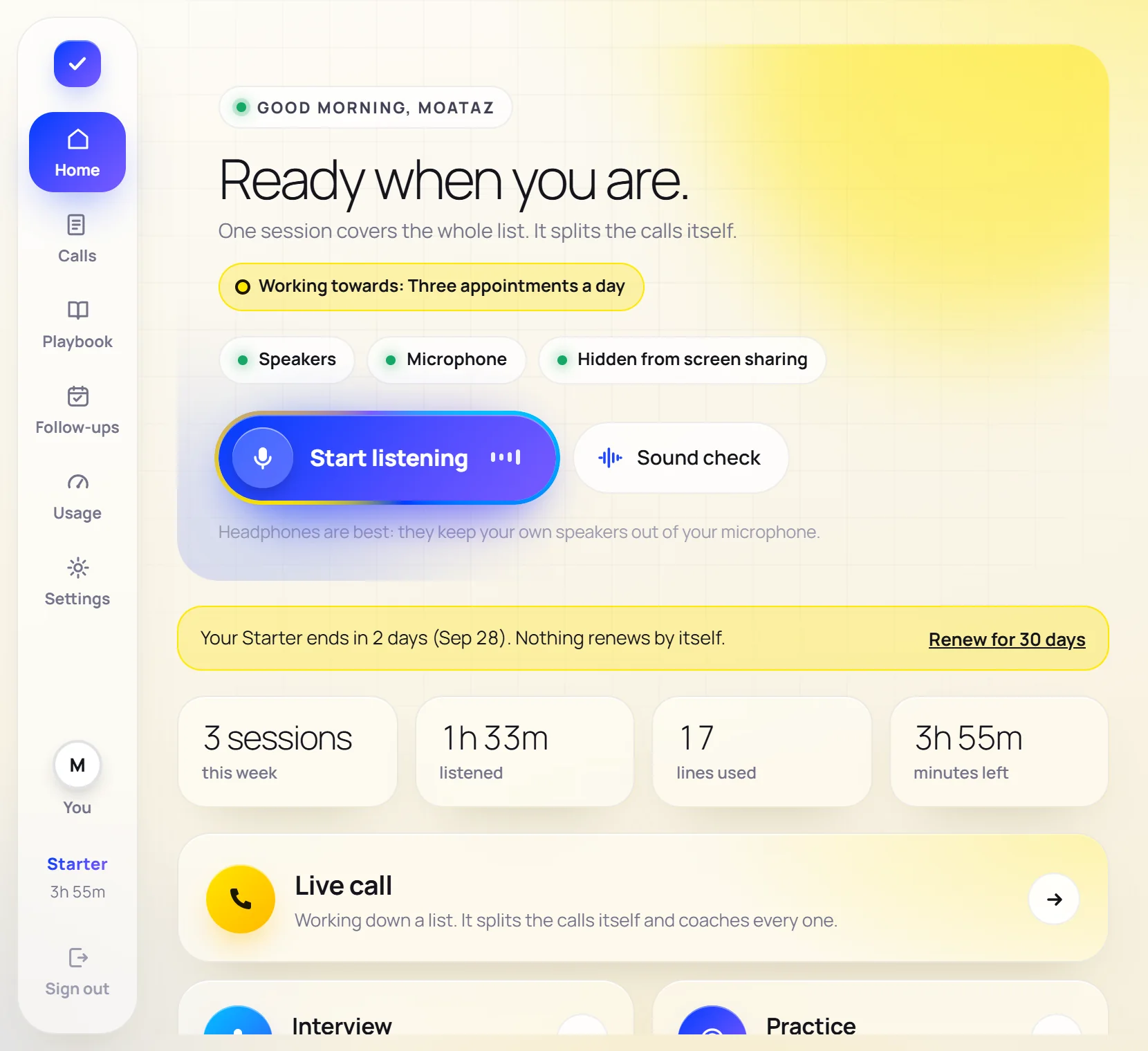
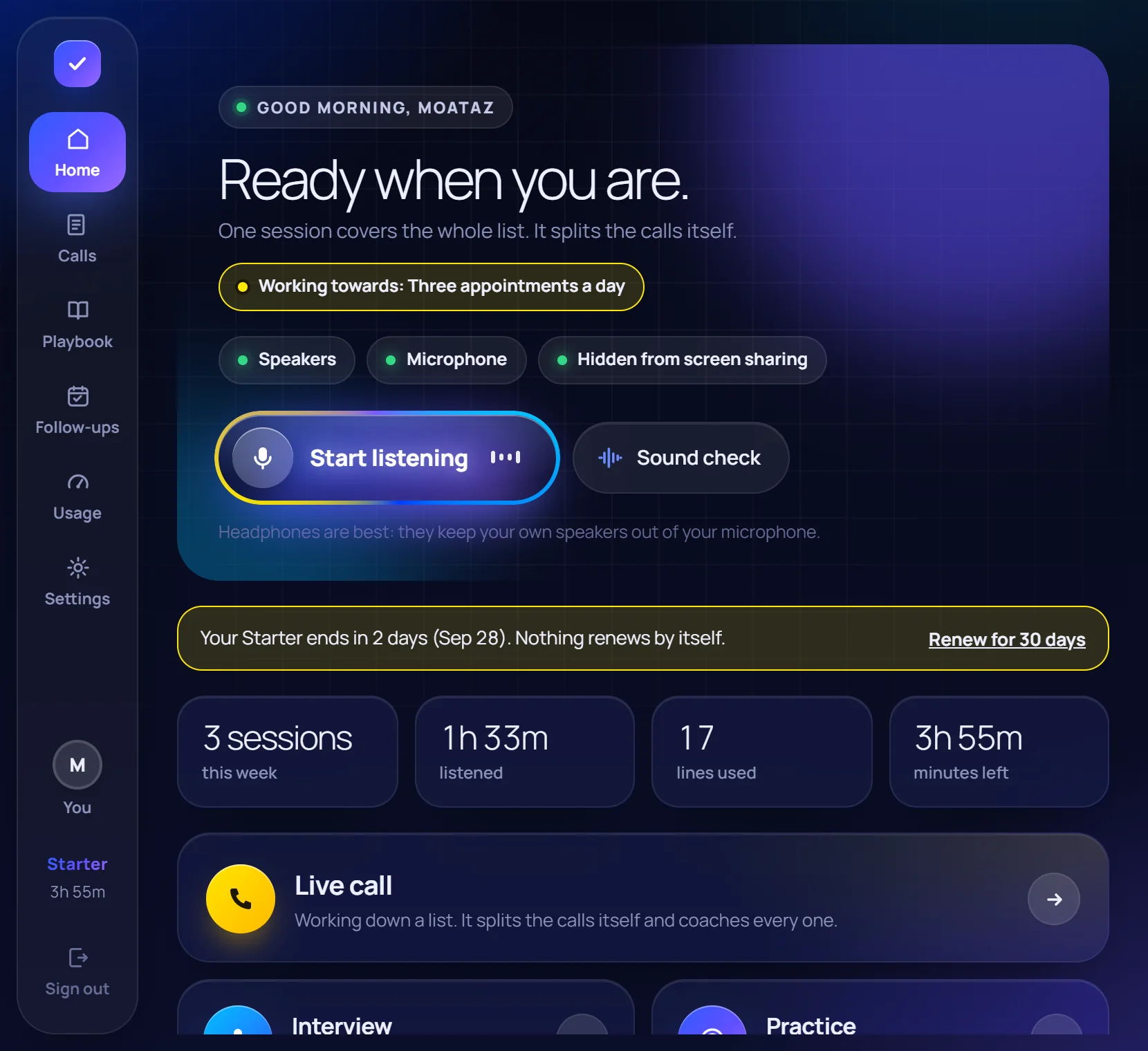
Listen
Two ears, never mixed.
Your microphone is you; the speakers are them. That is perfect separation of who said what, with no guessing and nothing connected to your call app.
- Works with Dialpad, Zoom, Meet, a softphone or a recording
- A sound check that plays back the words it heard, before a seller is on the line
- A headset plugged in later is found by itself
- Mute: it stops listening and stops counting minutes; your call is not touched
The line
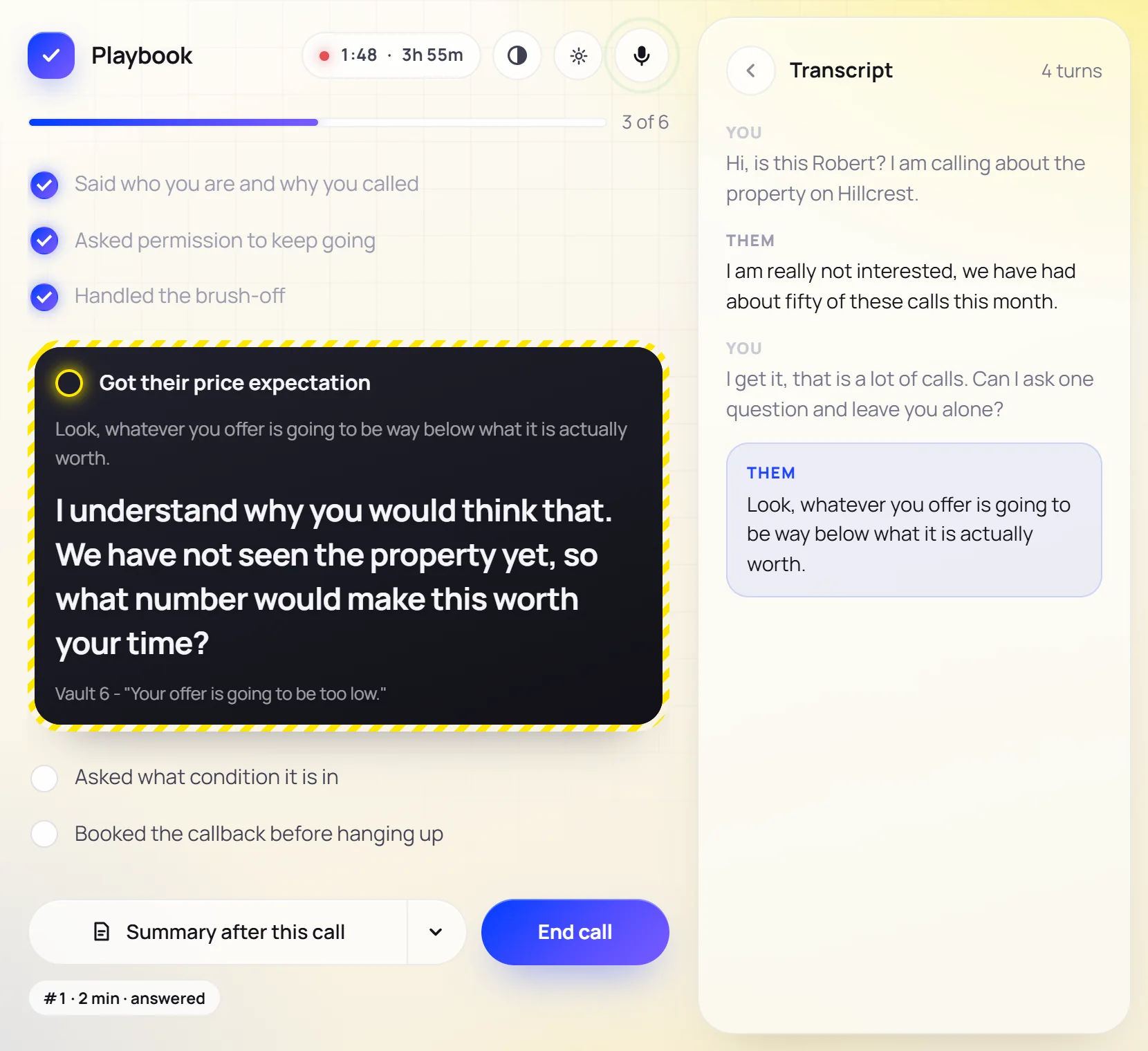
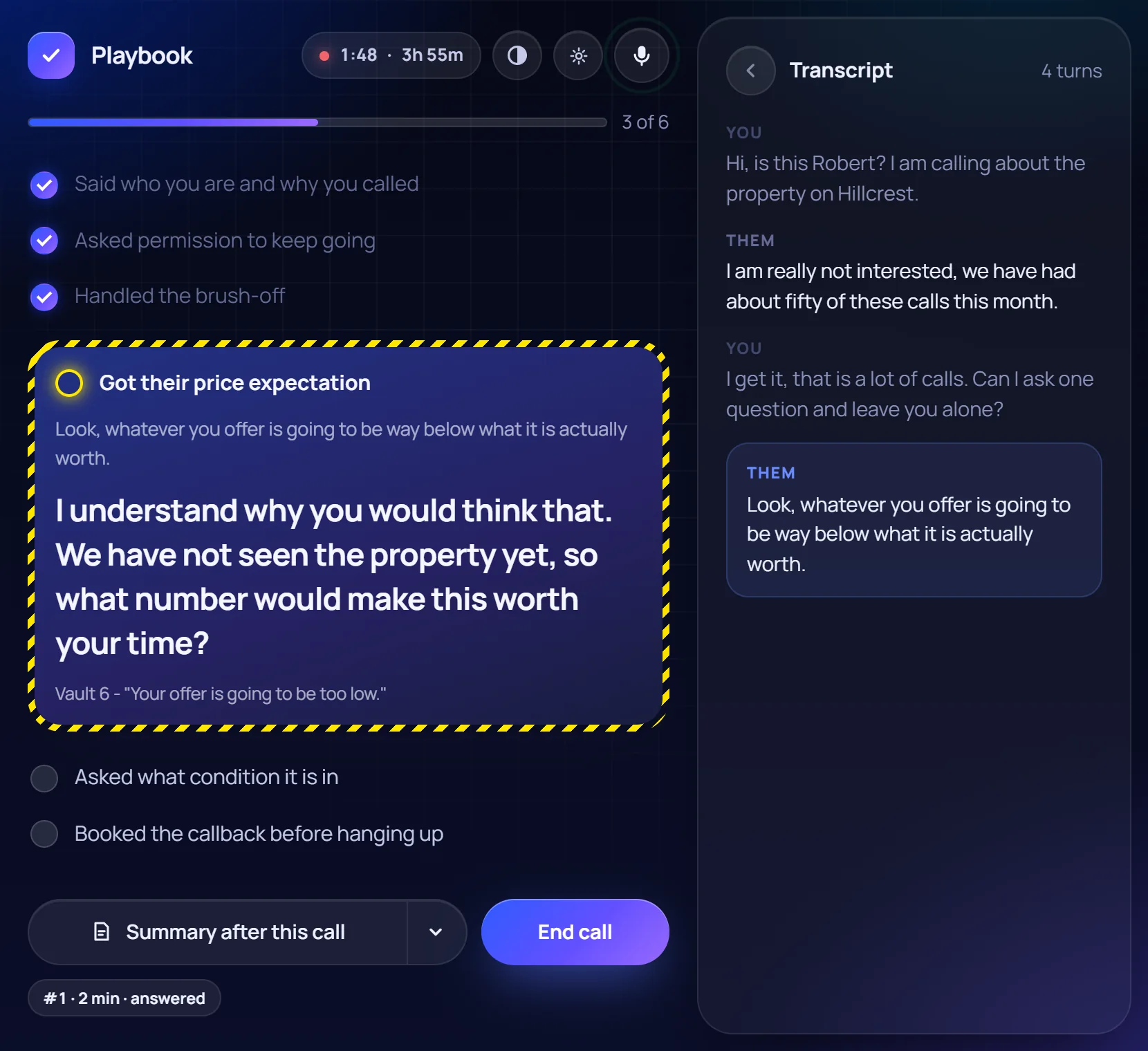
The line, about two seconds after they stop.
It hears the objection, picks the closest one from The Objection Vault, and bends the wording to what the seller actually said. Six seats, six ideas of a good line.
- The call is a short checklist that ticks itself off as you cover each step
- Paste your own script and choose how strictly it is followed
- Stop rules win: a removal request ends the call
- See-through fades the window; screen sharing never shows it
After the call
Written up when you hang up.
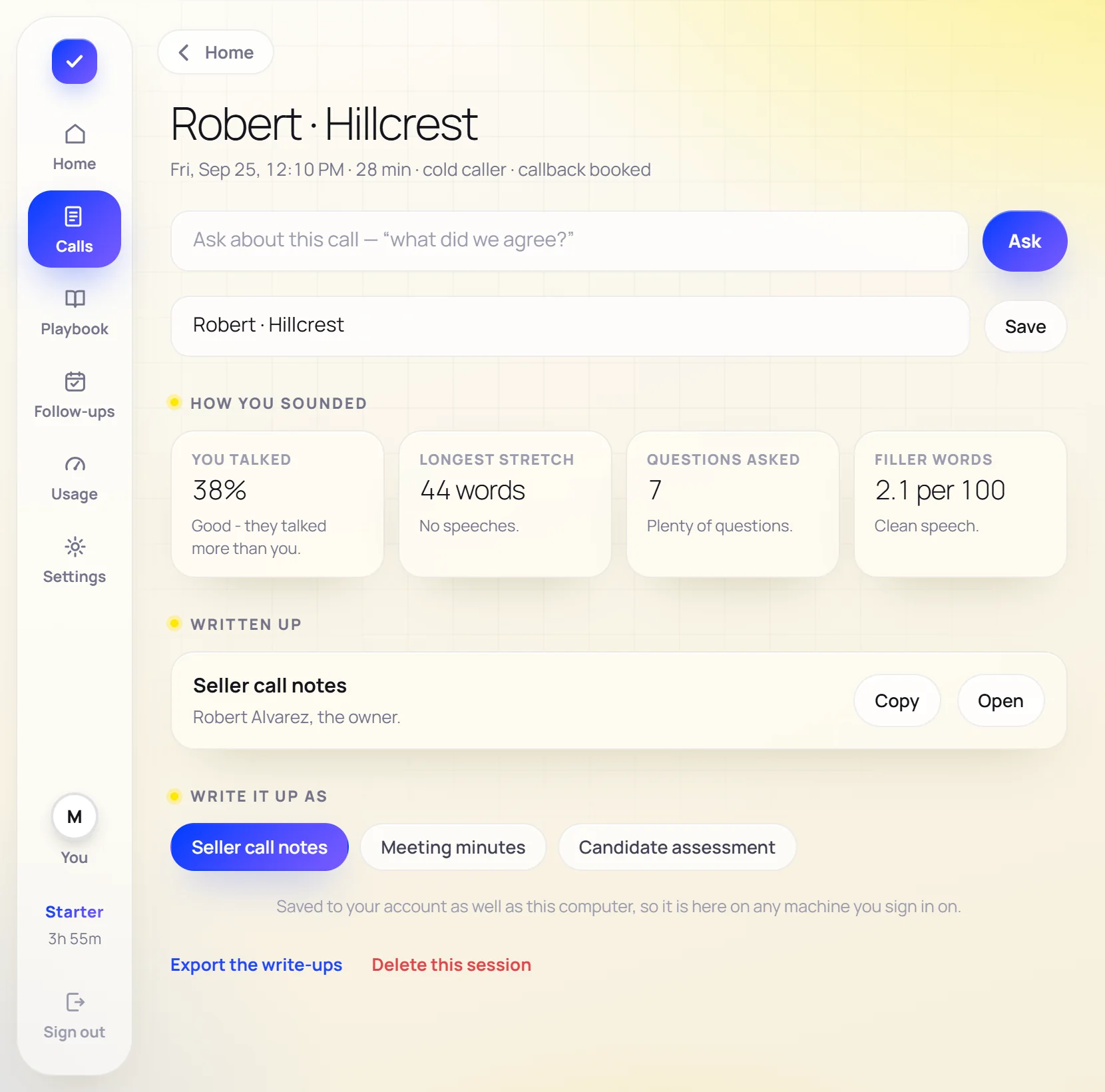
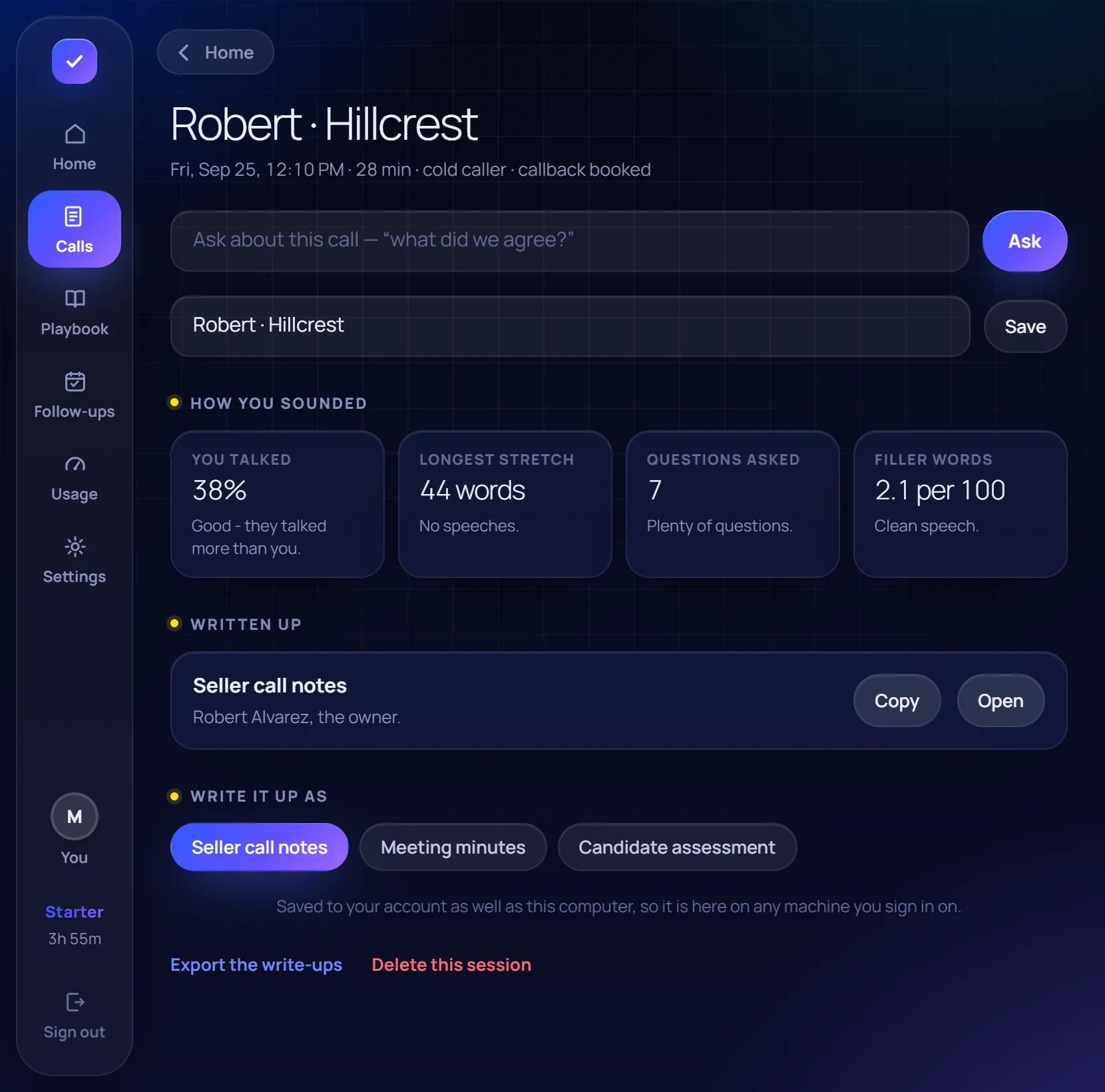
Press the summary button during the call and it is written when the call ends, named after the conversation, on the template you pick.
- Seller notes, buyer notes, meeting minutes, interview notes, or your own headings
- Tasks and calendar entries with the dates resolved on your computer
- Ask about any past call and get the answer quoted
- A scorecard: how much you talked, questions asked, filler words
For teams
One team, one pool of minutes.
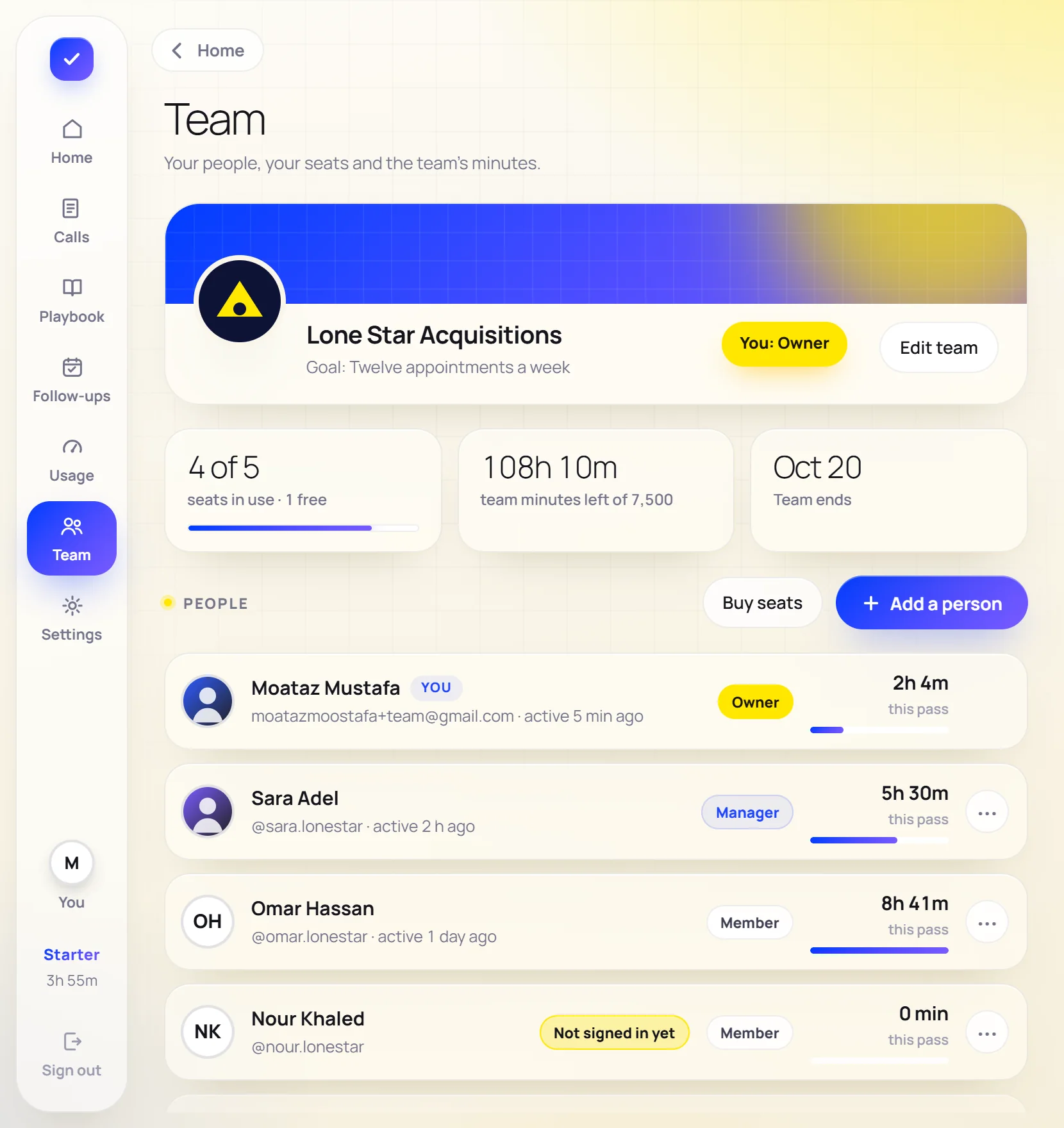
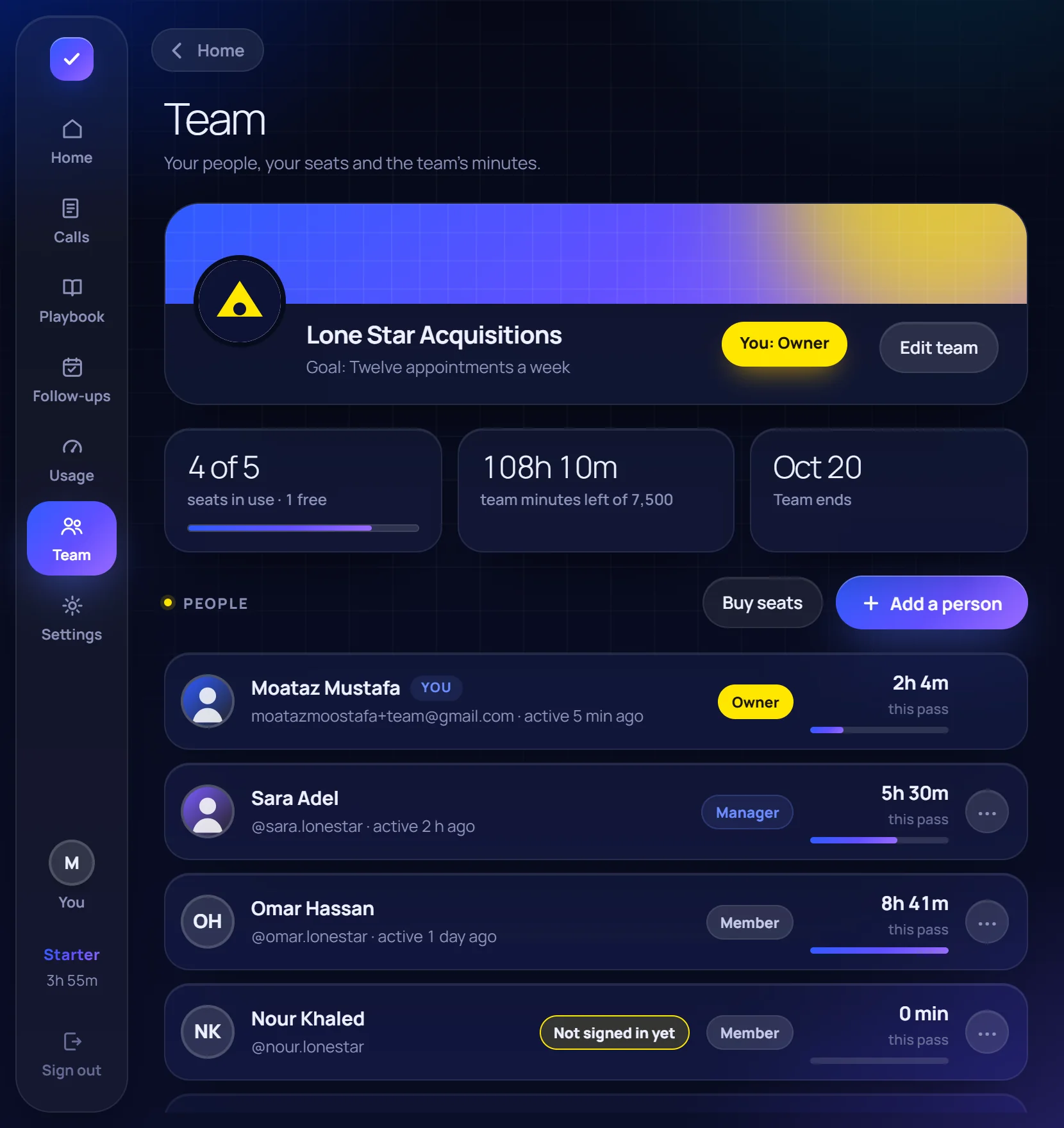
Owners and managers make the logins, see who used what and buy seats. Members see the team and their own minutes, never anybody else's calls.
- Add a person with a username and a password
- People without email sign in with their username
- Pause, reset, change the role, remove
- Seats bought per pass; add more mid-pass